
Resources for the 'Grow Your Game' Creative Computing Club.
During this workshop, you will create a game using MakeCode Arcade.
This page recaps what we discussed as a group.
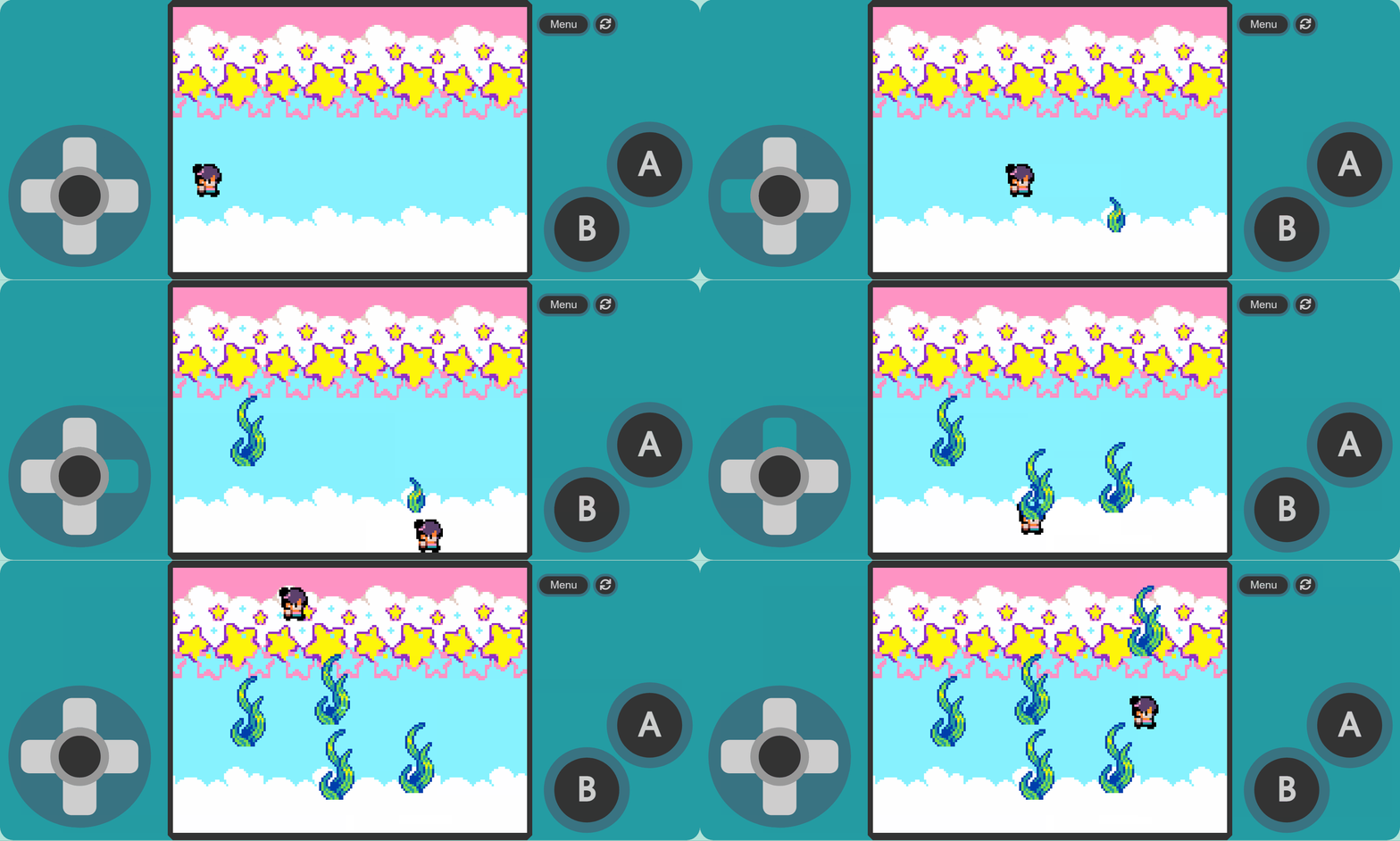
Open the starter code.
Go to the MakeCode Arcade editor, and drag-and-drop the starter code onto the screen.
You should see a screen like the picture below, with the emulator on the left, the menu in the middle, and your code on the right.
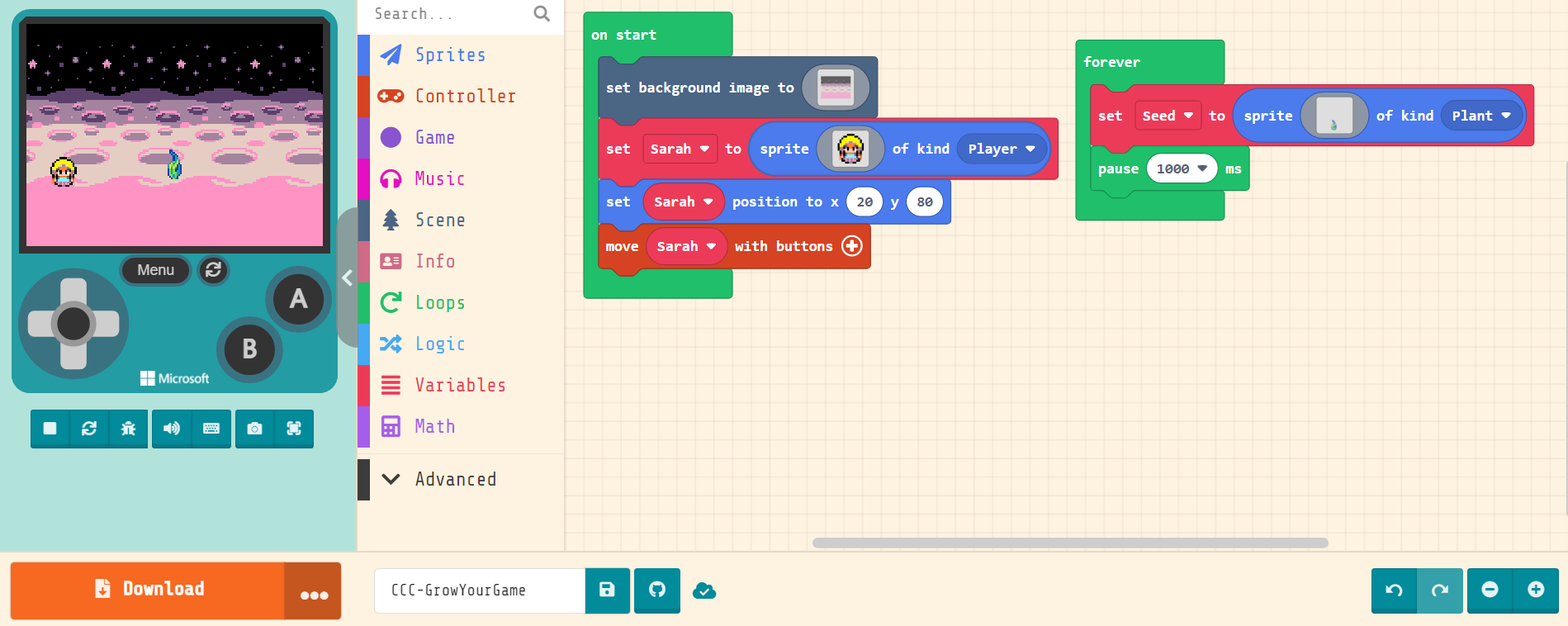
You create your program by dragging-and-dropping blocks from the menu onto the coding area, and slotting them together - similar to Scratch.
Challenges and Suggestions: