
Science Oxford Logo

Pair Your Micro:bit - Python Online Editor

To pair your micro:bit with your computer, click the 'Connect' button at the bottom of the screen.

screenshot of the bottom of the micro:bit Python editor, showing Download and Connect buttons

Follow the on-screen instructions to connect your micro:bit.

If you are successful, the Download button will change to Flash.
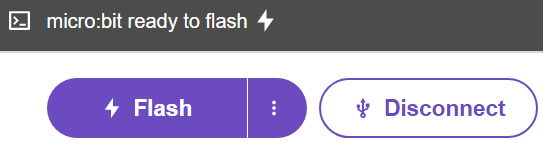
screenshot of the bottom of the micro:bit Python editor, showing Flash and Disconnect buttons

To send your code to your micro:bit, click Flash!
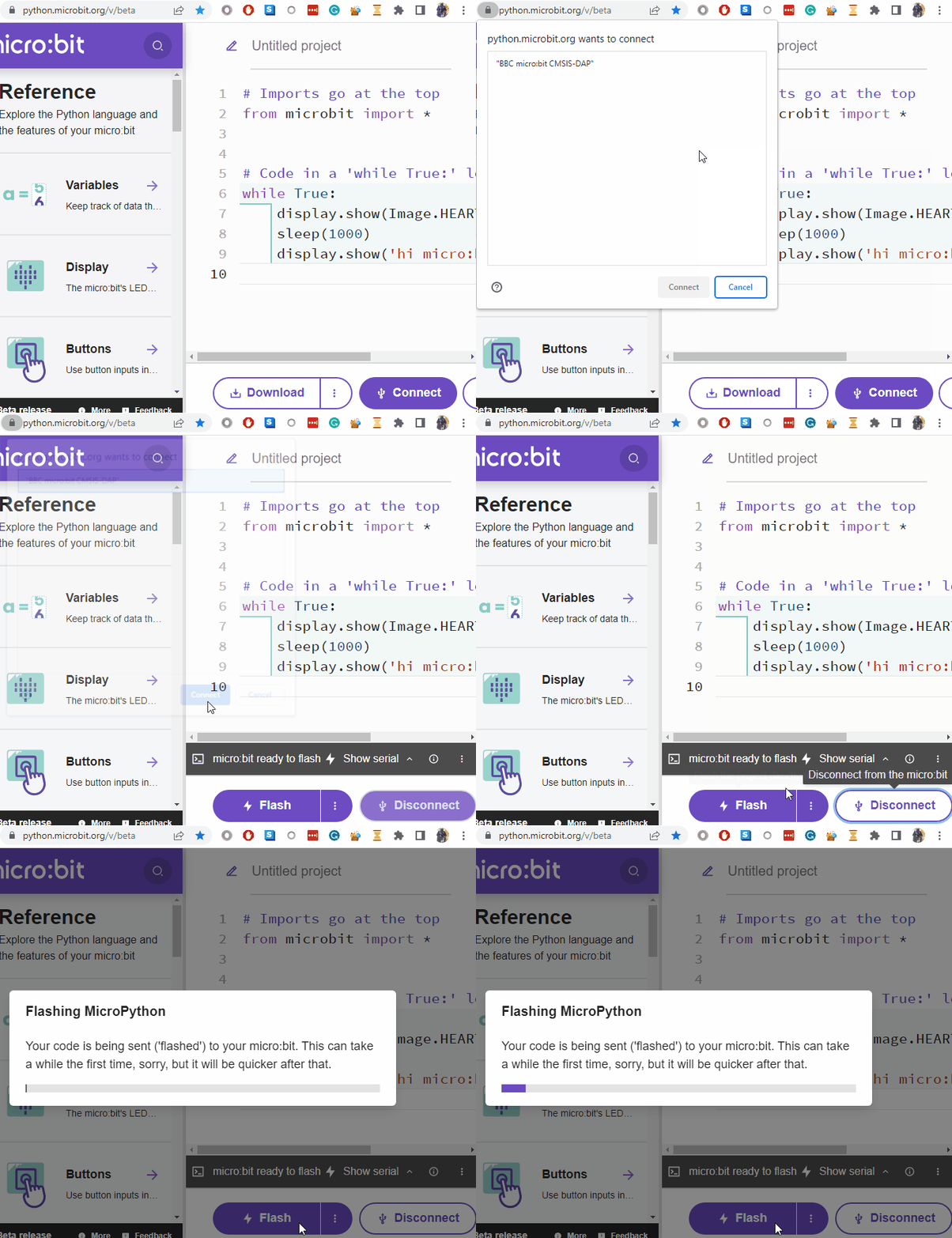

Animated picture showing the process:
animated image showing how to pair your micro:bit with your computer, as per the instructions above